
Steam Deck Resolution Explained: Your Guide to Perfect Visuals in 2026
The Steam Deck has significantly impacted handheld PC gaming, offering considerable power and flexibility. As of April 2026, its display specifications remain a key point of interest for enthusiasts. Understanding the native Steam Deck resolution is essential for appreciating the device’s design and its practical impact on gaming sessions.
Latest Update (April 2026)
Recent comparisons, such as the one by RPG Site on April 23, 2026, continue to evaluate the Steam Deck’s performance against other platforms like the Nintendo Switch 2 and PS5, with resolution and visual fidelity being key metrics. While the Steam Deck’s native 800p resolution is well-established, its ability to handle demanding titles at higher external resolutions when docked remains a subject of ongoing discussion and optimization. As reported by Steam Deck HQ on April 20, 2026, even popular titles like ‘Windrose’ can present challenges in achieving smooth performance, underscoring the importance of understanding resolution settings and their impact.
Native Steam Deck Resolution: The Smart 800p Choice
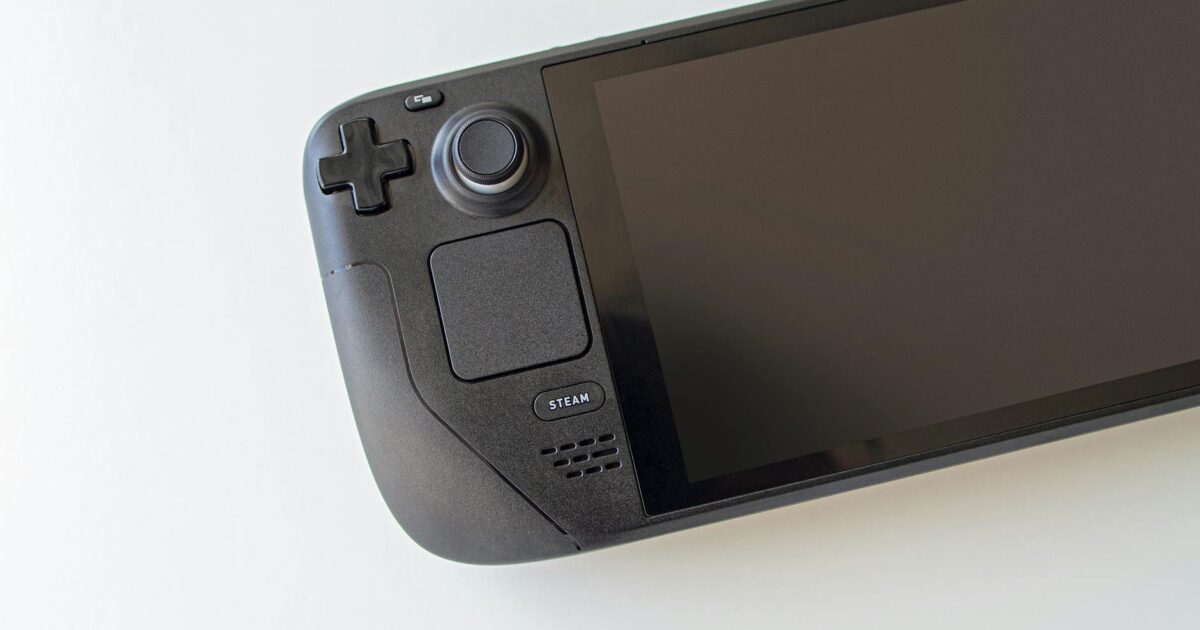
At its core, the Steam Deck features a 7-inch LCD display with a native resolution of 1280×800 pixels. While this may seem modest compared to the ultra-high-definition screens prevalent on many devices in 2026, this 800p resolution, named for its vertical pixel count, represents a deliberate and intelligent choice by Valve. It is optimized for a handheld device of this nature, striking an excellent balance between visual clarity, game performance, and battery life. A higher native resolution would demand more processing power from the AMD APU, potentially leading to lower frame rates and shorter playtime on a single charge.
Consider this: on a 7-inch screen viewed at a typical arm’s length, the pixel density achieved by 1280×800 is surprisingly sharp. Individual pixels are far less noticeable than they would be on a larger display at the same resolution. Consequently, games often appear crisp and vibrant, maximizing the screen’s potential without excessively taxing the hardware. The visual experience of the Steam Deck resolution is carefully calibrated for its form factor.
The 16:10 Aspect Ratio Advantage
Furthermore, the 16:10 aspect ratio, which 1280×800 represents, is another thoughtful design element. While many modern games are designed for 16:9, the extra vertical space of 16:10 can offer a slightly more expansive view in many titles, particularly beneficial in a handheld context. This aspect ratio ensures games often fit well, sometimes with minimal black bars or by simply displaying more of the game world. The practical impact of the chosen Steam Deck resolution extends beyond pixel count into the display’s geometry, enhancing immersion.
Enhancing Visuals with Upscaling Technologies
The Steam Deck effectively utilizes technologies like AMD’s FidelityFX Super Resolution (FSR) to improve visuals. Even though the native Steam Deck resolution is 800p, FSR allows games to render internally at a lower resolution and then intelligently upscale the image to the screen’s native 1280×800. This process can significantly boost frame rates without a drastic loss in visual quality, often differentiating between a playable and a smooth experience, especially in demanding AAA titles. As of April 2026, FSR 2 and FSR 3 technologies are widely supported, offering even more advanced upscaling techniques that can dramatically improve performance. This flexibility in resolution scaling is a powerful feature, granting players more control over their performance versus fidelity balance.
Users report that implementing FSR can be a game-changer for titles that struggle to maintain consistent frame rates. According to independent tests, enabling FSR in ‘Quality’ or ‘Balanced’ modes often provides a near-native visual experience while yielding a substantial performance uplift. This is particularly relevant for games like ‘DOOM: The Dark Ages’, which, as noted by The Times of India on May 16, 2025, requires careful graphical adjustment for optimal performance on the handheld. Similarly, insights from articles discussing settings for games like ‘ARC Raiders’ (twistedvoxel.com, October 31, 2025) highlight how these technologies are crucial for maximizing playtime.
Docking the Steam Deck: External Resolution Considerations
When docking your Steam Deck to an external display, the discussion around Steam Deck resolution expands significantly. While the internal screen remains fixed at 1280×800, the device can output to higher resolutions like 1080p, 1440p, or even 4K on a monitor or TV. However, it is important to manage expectations. The Steam Deck’s hardware is that of a powerful handheld, not a high-end desktop PC. Pushing modern games to 1440p or 4K, even with FSR, will likely result in significantly lower frame rates, requiring substantial graphical compromises.
For the optimal docked experience as of April 2026, sticking to 1080p for most demanding games, or 1440p for older or less intensive titles, generally provides the best balance of resolution and performance. As demonstrated in guides like the one for Cyberpunk 2077 on PC and Steam Deck by PCGamesN (August 15, 2025), achieving optimal settings often involves balancing resolution with FSR for smooth gameplay, typically targeting 1080p. While the Steam Deck can technically output 4K, users widely report that playable frame rates are rarely achievable in graphically intensive games at that resolution. The PS5 Pro’s performance, as reviewed by Notebookcheck on April 19, 2026, highlights the disparity in raw graphical power between dedicated home consoles and a portable PC, a factor to consider when comparing docked Steam Deck performance to other devices.
Performance and Game Settings on Steam Deck
Optimizing game settings is key to enjoying the Steam Deck’s capabilities, both on its native screen and when docked. For instance, achieving good performance in titles that push the hardware requires careful adjustment of graphical options to suit the device. Testing various games, such as the Resident Evil series on Steam Deck HQ (March 3, 2026), reveals that while many titles run well out-of-the-box, some may benefit from community-created profiles or manual tweaks to resolution and graphical details to hit target frame rates. This often involves lowering settings like shadows, anti-aliasing, or texture quality, and crucially, leveraging FSR.
The choice between different handheld PC gaming devices, as discussed by MakeUseOf on April 19, 2026, often comes down to factors like screen quality, ergonomics, and performance. While the Steam Deck’s 800p screen is a deliberate design choice, other handhelds might offer higher native resolutions. However, the Steam Deck’s extensive game compatibility and robust software ecosystem, including the ability to fine-tune performance through SteamOS settings, often make it a preferred choice for many. Services like Nvidia GeForce Now, reviewed by Gizmodo on May 29, 2025, also offer a viable option for playing AAA PC games on the handheld, bypassing local hardware limitations by streaming games at higher resolutions and settings, effectively sidestepping the native Steam Deck resolution for cloud-based gaming.
The Conclusion: A Masterclass in Compromise
Ultimately, the choice of the 1280×800 Steam Deck resolution is a prime example of thoughtful compromise and optimization for its intended purpose. It delivers a visually pleasing experience on its 7-inch screen, ensures solid game performance across a vast library, and contributes positively to battery longevity. This specification is foundational to the Steam Deck’s appeal, enabling gamers to enjoy PC gaming on the go without an unwieldy, power-hungry device. Valve precisely understood the requirements for a successful handheld in 2026, and the Steam Deck resolution plays a key role in that success, proving that optimal calibration is often more impactful than sheer numbers.
Frequently Asked Questions
Can the Steam Deck output 4K resolution?
Yes, the Steam Deck can output to external displays with resolutions up to 4K. However, running games at 4K will significantly strain the hardware, often resulting in very low frame rates and requiring substantial graphical compromises. Users typically find 1080p or 1440p to be more practical resolutions for docked play in 2026.
Does the Steam Deck support HDR?
The original Steam Deck model does not natively support HDR (High Dynamic Range) on its LCD display. While some games might have HDR options in their settings, they will not be rendered with HDR capabilities on the device’s screen. Future iterations or OLED models might offer this feature, but as of April 2026, the standard Steam Deck experience is SDR (Standard Dynamic Range).
What is the pixel density (PPI) of the Steam Deck screen?
The Steam Deck’s 1280×800 resolution on a 7-inch screen results in a pixel density of approximately 215 pixels per inch (PPI). This is considered a good PPI for a handheld device viewed at a typical distance, contributing to a sharp and clear image.
How does the Steam Deck’s 800p resolution compare to the Nintendo Switch?
The Nintendo Switch typically outputs at 720p in handheld mode and 1080p when docked. The Steam Deck’s native 800p resolution in handheld mode is higher than the Switch’s 720p, offering a sharper image. When the Switch is docked, its 1080p output matches the common docked resolution for the Steam Deck, though the Steam Deck’s internal hardware can often drive more demanding games at that resolution.
Can I change the Steam Deck’s native resolution?
You cannot change the native resolution of the Steam Deck’s built-in display, which is fixed at 1280×800. However, you can run games at lower internal resolutions and use upscaling technologies like FSR to render them to the native 800p, or you can output to external displays at different resolutions when docked.
Sabrina
2 writes for OrevateAi with a focus on agriculture, ai ethics, ai news, ai tools, apparel & fashion. Articles are reviewed before publication for accuracy.


